
PS5 Remote Play for iPhone and iPad
iPlay5 is a free, open-source Remote Play app for your PlayStation 5, with DualSense haptics, gyro aiming, HDR and up to 1080p60. Tuned for the iPhone Duo, and works on any iPhone or iPad running iOS 17 or later.
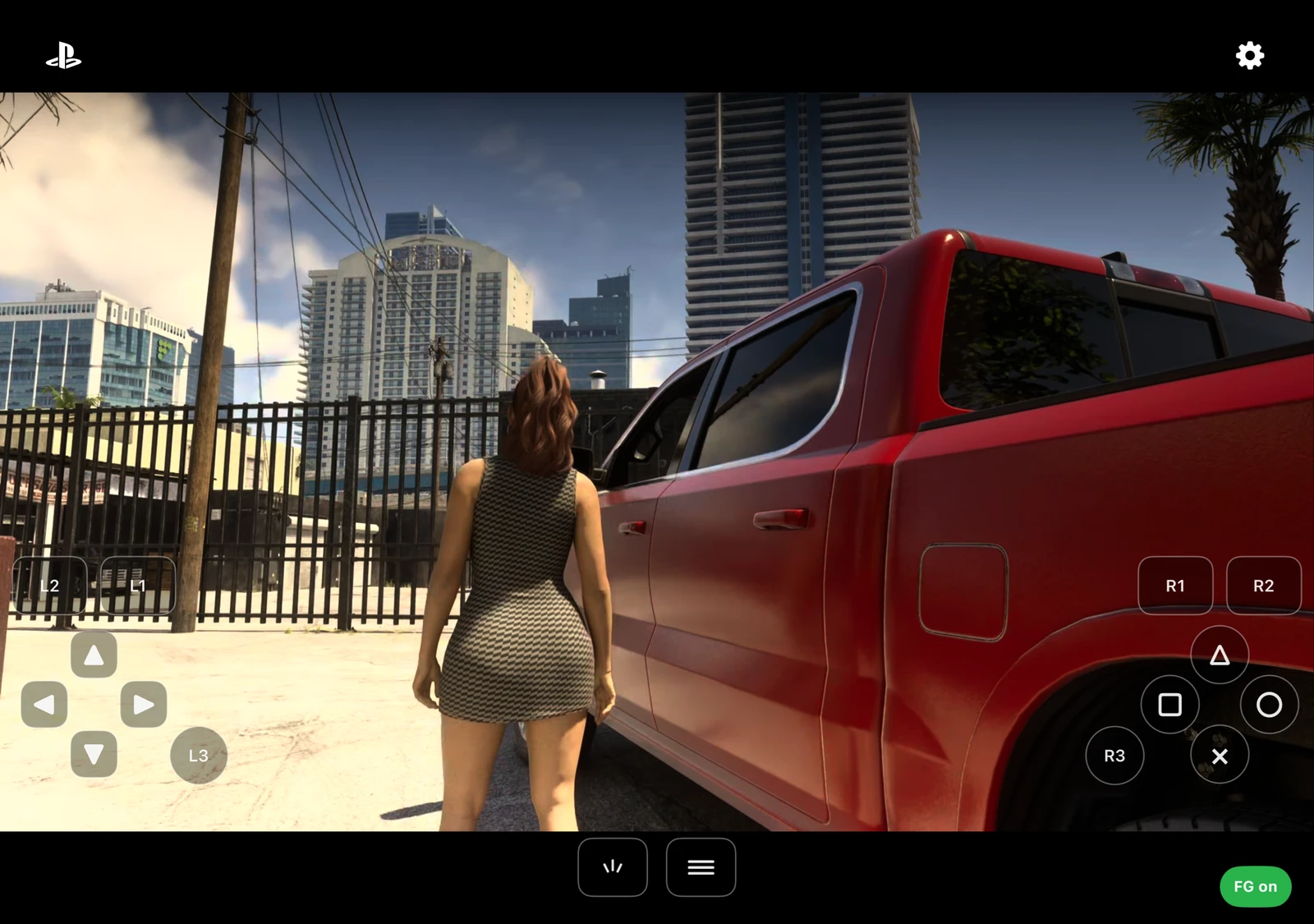
Features
Hardware H.265/H.264 decoding at native resolution, up to 1080p60 and 200 Mbps, with HDR10, MetalFX and 120 Hz.
Full DualSense supportTouchpad, motion, haptics, adaptive triggers and the lightbar all follow the game. Xbox controllers and Backbone work too.
Gyro aimingTurn the controller or the phone to aim, even in games without gyro support.
Virtual controlsOn-screen sticks and buttons when you don't have a controller, and the touchscreen works as the touchpad.
A connection that looks after itselfAuto bitrate, one-tap Optimise connection, network smoothing and automatic reconnecting.
MicrophoneGame and party chat through the phone's mic, with a mute button on the stream.
Play away from homeConnect over the internet with a remote address and port forwarding.
Made for the iPhone DuoStreams on the inner screen, sets up on the outer one, and folding pauses the stream.
Recommended iPhone Duo setup
Controller: the GameSir G8+ Bluetooth version clips onto the Duo well. Avoid the Apple-specific (USB-C) G8, because it doesn't work with the Duo. Pair the G8+ in its iOS mode (blue Home light), where it shows up as "DUOLSHOK 4 Wireless Controller", and iPlay5 uses its built-in gyro for motion controls and gyro aiming.
Shim: the G8+'s grip can press the Duo's side button and trigger Siri mid-game. I made a free 3D-printable shim that stops it.
Install
iPlay5 isn’t on the App Store. You sideload it with your own Apple ID, and a free Apple ID is enough.
SideStore or AltStore (recommended, gets updates): add this source, then install iPlay5 from it:
https://raw.githubusercontent.com/reefbarman/iPlay5/main/altstore-source.json
Sideloadly or another signer: download iPlay5.ipa from the latest release and install it as you would any other IPA.
Then follow Consoles and setup to link your PS5. Every feature and setting is covered in the guides in the sidebar.
Help
Found a bug? Open an issue with the file from Settings › Share diagnostics, and see Help and troubleshooting for tips. The changelog lists what changed in each release.